Docs › Licences and billing
Downloading the plugin unlocks nothing on its own. The key from your order is what starts the trial and turns on the AI, Analytics and Growth Tools — and the clock does not start until you enter it.
In one lineCopy the key from your order email, paste it into Affiliate Pro → Activation, press Activate. The 14 days begin at that moment.
Where the key is
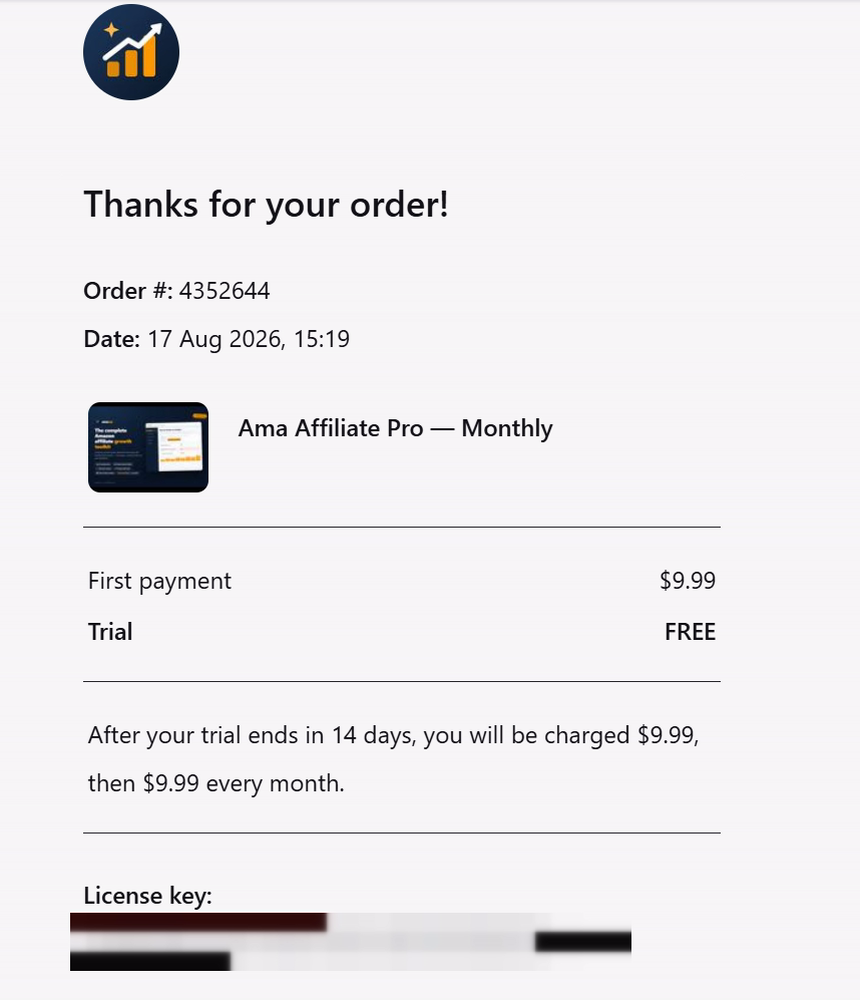
The key is on the order confirmation and in the email sent at checkout. Store keys are UUIDs — a long hyphenated string of letters and numbers. Keys issued before the store existed use the older AAP2-XXXXX-XXXXX-XXXXXXXX shape and are still accepted, so an old key does not need replacing.
Activating it
- Open Affiliate Pro → Activation. The tab shows the current state, the seats a key covers, and the days remaining.
- Paste the key into the activation field. Paste rather than retype — a UUID is long and a single wrong character reads as an invalid key.
- Press Activate. The plugin checks the key with amawp.com and binds it to this site.
- Confirm the result. Success reads Activation successful — all features are unlocked. The key is now saved and bound to this site.
The trial starts at activation, not at install
This is the part that surprises people, and it is deliberate. Before a key is entered the plugin shows:
Enter your activation key to start your 14-day trial and unlock AI functions, Analytics and Growth Tools. Everything else already works.
An install-triggered trial is not one trial — it is one trial per install, renewable forever by deleting the settings and uploading the plugin again. Anchoring the 14 days to an activation closes that, because a key can only be activated where the store permits it, and a spent window does not replay on reinstall.
If you were already mid-trial when you updated the plugin, you keep the days you had left. The change closed the hole for new installs without cutting anyone off part-way through an evaluation.
During the trial the header shows how much time is left: Free trial — 9 days left. Enter your activation key any time for uninterrupted use.
What locks, and what never locks
The distinction matters more than anything else on this page. Nothing you have already published ever stops working.
| Needs an active licence | Works forever, with or without a key |
|---|---|
| The AI content writer, bulk writing and scheduled refreshes | Every shortcode — product boxes, tables, bestsellers, links |
| Analytics: clicks, visitors, live traffic, CSV export | Existing published articles and the links inside them |
| Growth Tools: auto-linking, keyword gap, dedupe, Link Doctor, SEO audit | Your saved settings, credentials and partner tag |
| AI image generation and the AI test tools | The Product Health Monitor data you already have |
An expired licence is a pause, not a deletion. The message says so directly: This licence has expired. Renew your plan to unlock the AI and Growth Tools again — everything you already published keeps working.
One key, one live site
A key is bound to the site it was activated on. Reinstalling on the same site is fine. Moving to a different site means deactivating here first — that releases the seat automatically for store keys, so no support ticket is involved:
Licence removed and the seat released. You can now activate this key on a different site.
Deactivate before you migrate, not after. If a site is deleted while still holding the seat, the key still believes it is in use there. Releasing it first is one click; recovering it afterwards is a message to support.
One key, one product
Pro and Ultra are sold separately, so a Pro key does not unlock Ultra and an Ultra key does not unlock Pro. Every key proves which product it was bought for before it unlocks anything. If you have bought the other product, you need its own key — the difference between the two is here.
When activation fails
| What you see | What it means |
|---|---|
| This key is already in use on another website, or is not valid. One key works on ONE live site only. | The seat is held elsewhere. Deactivate it on the other site, or check the key for a typo. |
| This key could not be activated. Check it for typos, or whether it is already in use on another site. | The store did not recognise the key as valid for this site. |
| This licence is not active yet. If you have just bought it, wait a moment and press Verify again. | The purchase has not finished propagating. Waiting and re-verifying is the whole fix. |
| Could not reach the licence server. Check your connection and try again — nothing has been locked. | A network problem, not a licence problem. Nothing was revoked. |
| A free trial has already been used from this network. | A trial has previously run from this location. Activating a purchased key still works normally. |
Renewal
Licences are either 365-day or lifetime. A 365-day site is reminded fifteen days before it lapses, so a renewal is never a surprise and there is no gap in which the AI tools switch off unannounced. Lifetime keys never expire and never show the reminder.
Trial length, refunds and what each plan costs are commercial terms rather than plugin behaviour, and they are covered in full on the trial, the refund, and what the licence covers.
Common questions
Can I install the plugin now and activate later?
Yes, and that is often sensible. Shortcodes and product boxes work immediately, so you can build pages first and start the 14 days when you are ready to evaluate the AI and Growth Tools.
What happens to my articles if I let the licence lapse?
Nothing. Every shortcode keeps rendering, every link keeps its tag, and your settings stay saved. Only the AI, Analytics and Growth Tools pause until a valid key is entered again.
Do I need to re-enter the key after updating the plugin?
No. The key stays bound to the site across updates and reinstalls. If it does prompt you again, use Verify before assuming the key has a problem.
Can I use one key on a staging site as well as a live one?
Not at the same time — a key covers one live site. Deactivate on one before activating on the other, or buy a plan that covers more sites.
Next